> For the complete documentation index, see [llms.txt](https://docs.cloudeka.id/llms.txt). Markdown versions of documentation pages are available by appending `.md` to page URLs; this page is available as [Markdown](https://docs.cloudeka.id/deka_flexi/deka-flexi-network/6.1_vpc_network/edit-vpc-network.md).
# Edit VPC Network
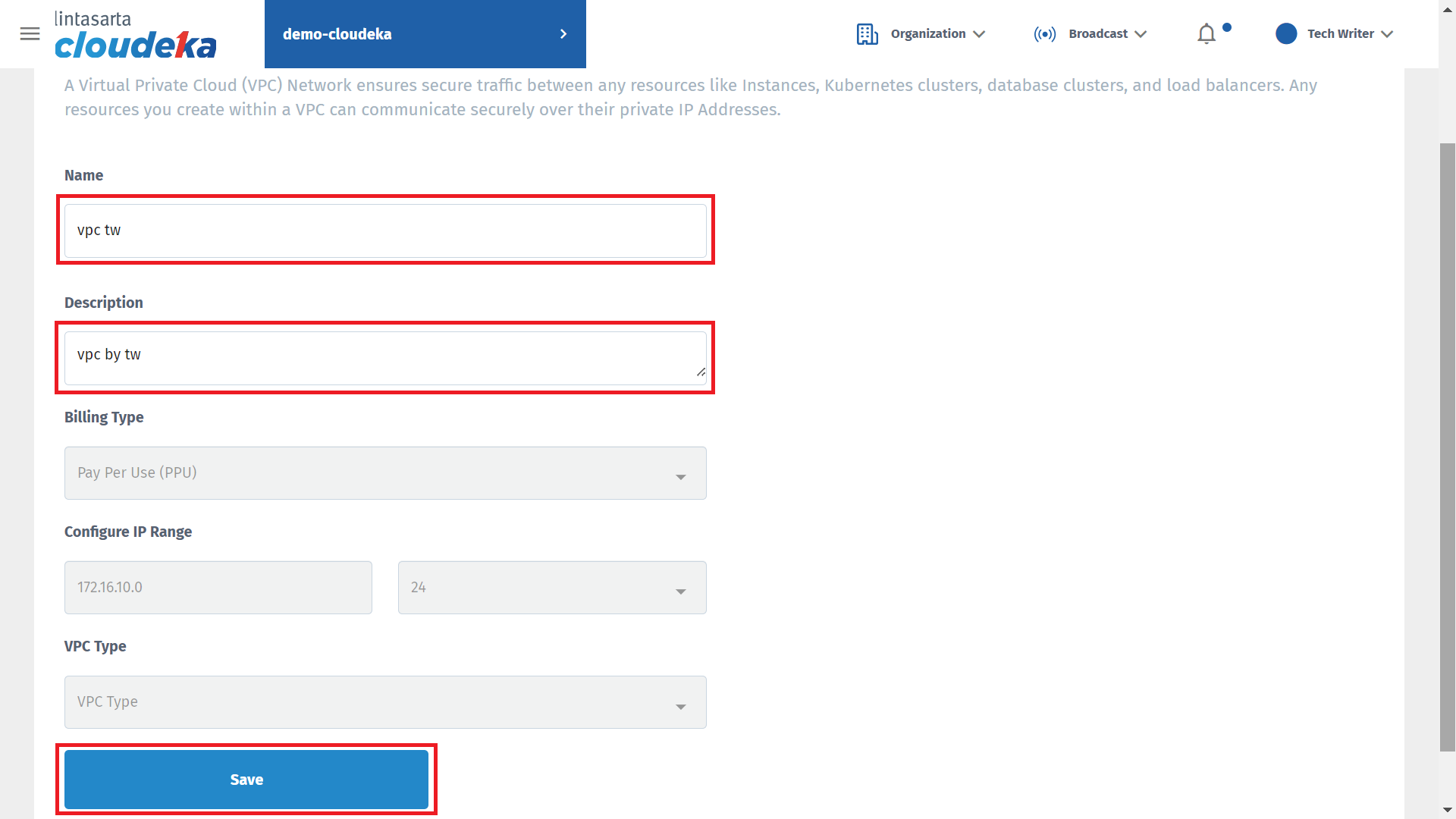
You can only edit VPC Network for the **Name** and **Description**, you cannot change the IP Address Configuration.
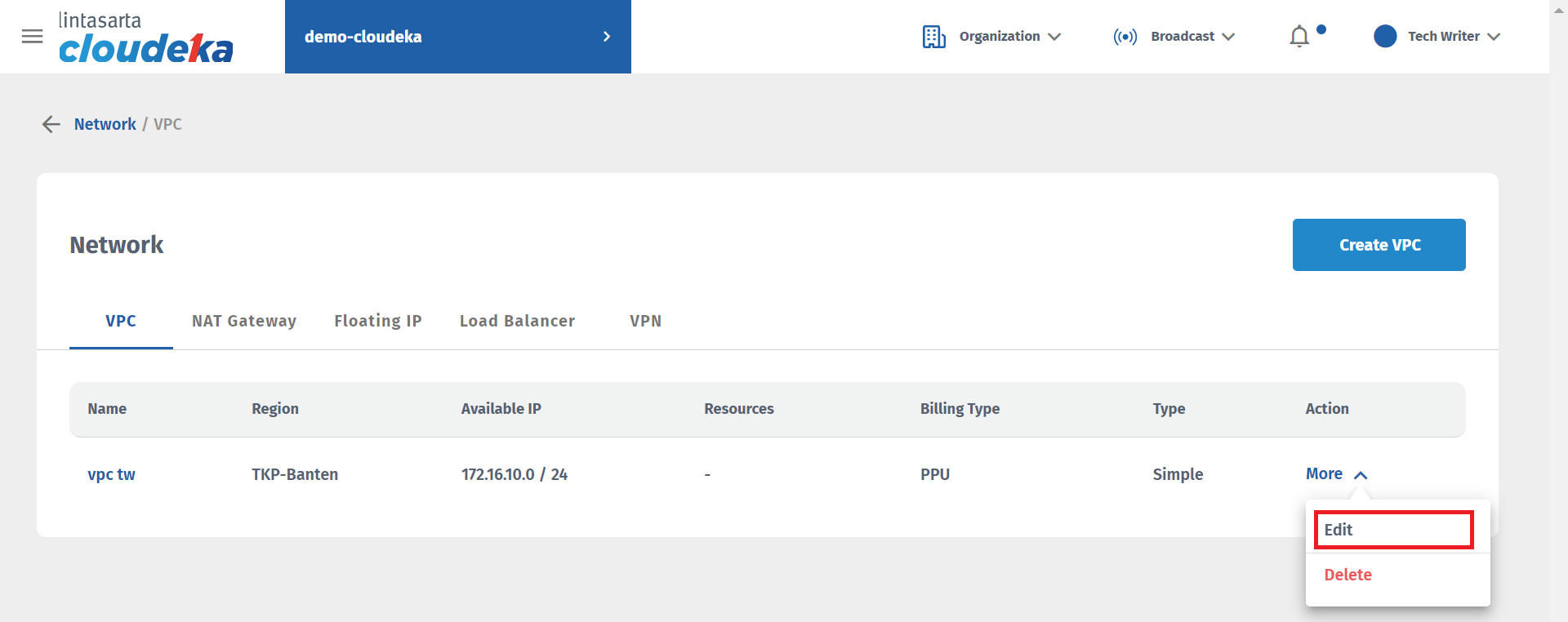
* On the **Network** page, click the **Edit** button.
Network Page - Edit
* You can only change the **Name** and **Description**. For Region, Billing Type, and IP Configuration can not be changed. Then, click the **Save** button.
Edit VPC Network Form
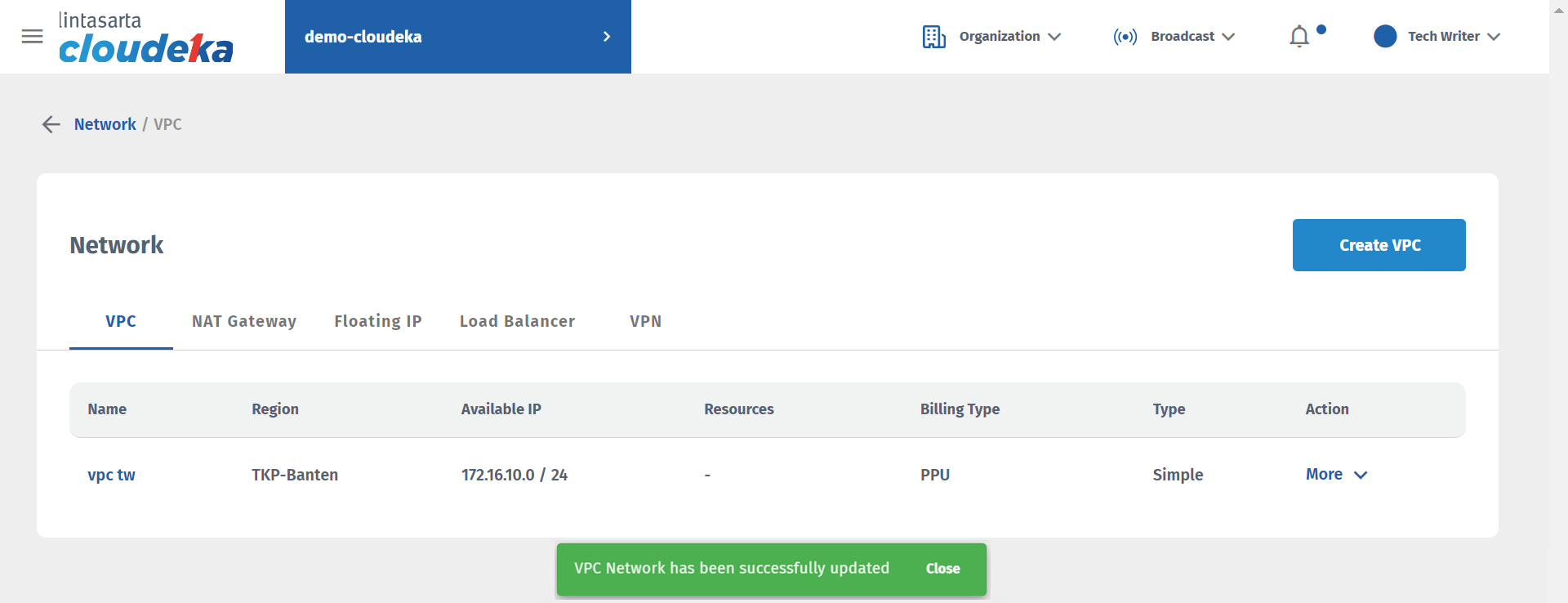
* There will be a notification if the VPC Network is successfully created **"VPC network has been successfully updated".**