> For the complete documentation index, see [llms.txt](https://docs.cloudeka.id/llms.txt). Markdown versions of documentation pages are available by appending `.md` to page URLs; this page is available as [Markdown](https://docs.cloudeka.id/monitoring/alerting/edit-alert.md).
# Edit Alert
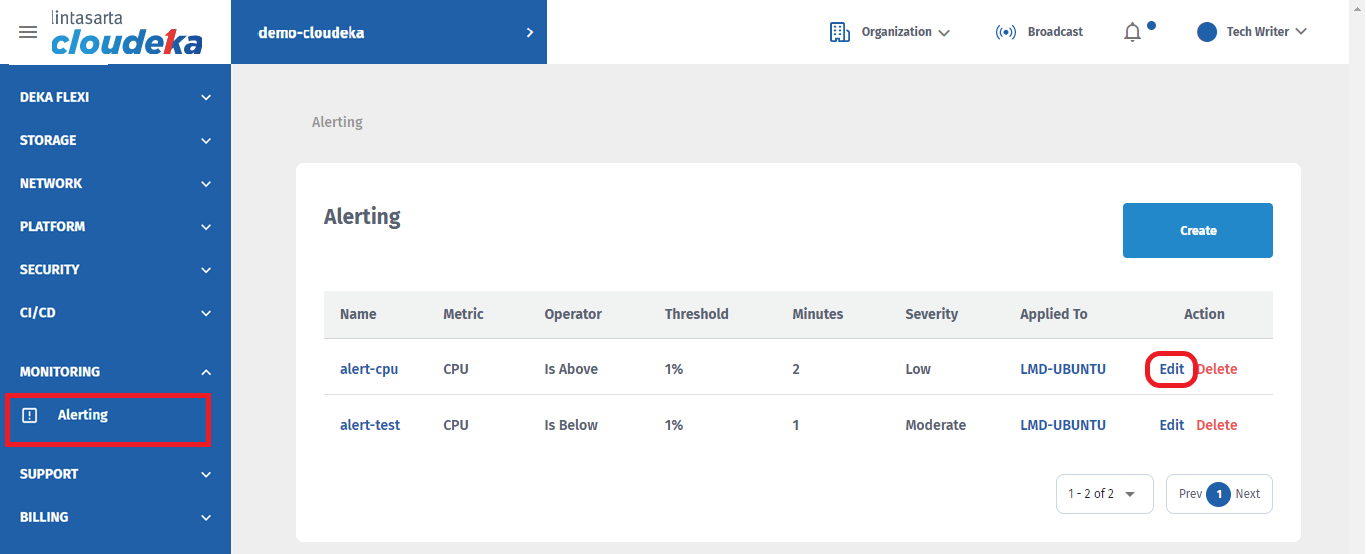
* On the **Alerting** page, click the **Edit** button.
Alerting Page
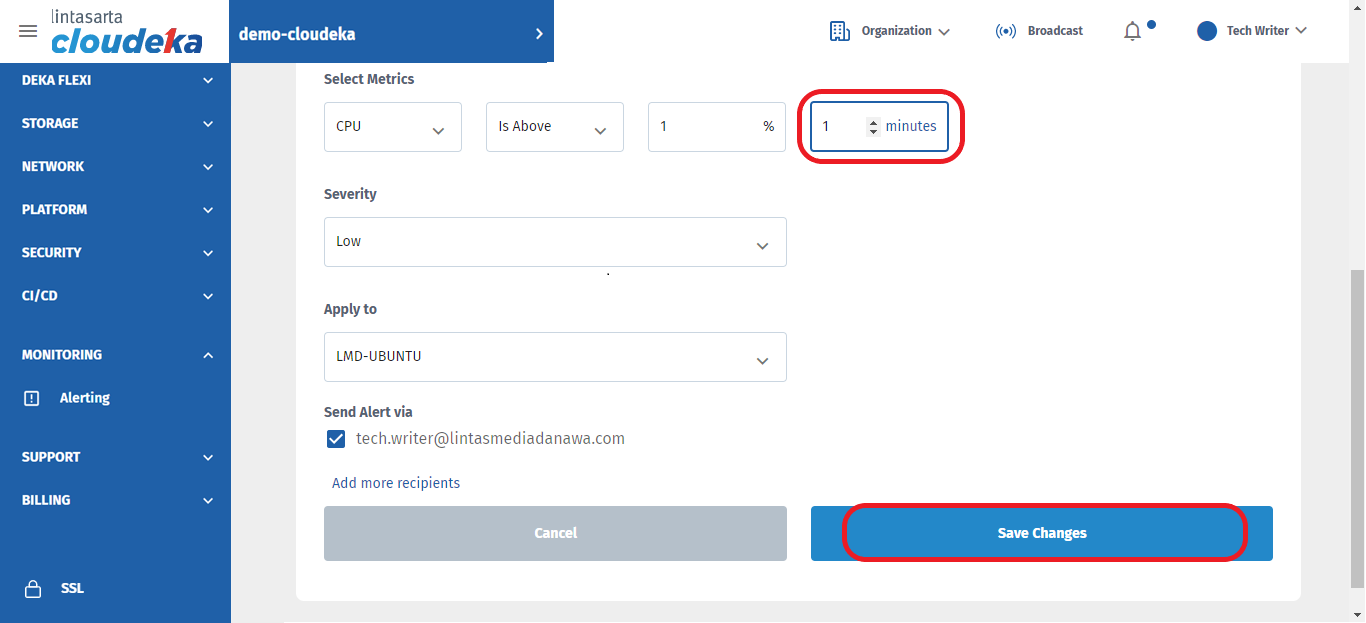
* You can edit all the form in the **Edit Alert Page**. For example, we can edit the alert time from **2 minutes** to **1 minutes**.
Alerting Page - Edit Alert
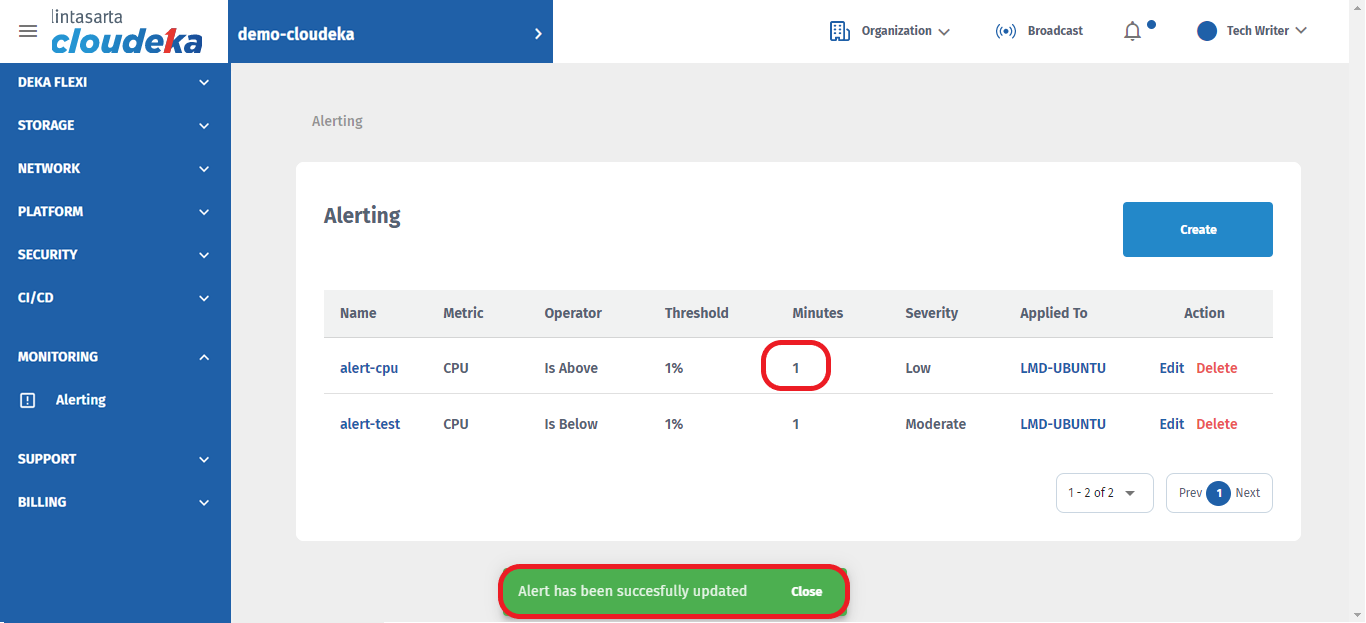
* There will be a notification if the Alert is successfully updated **"Alert has been successfully updated"**